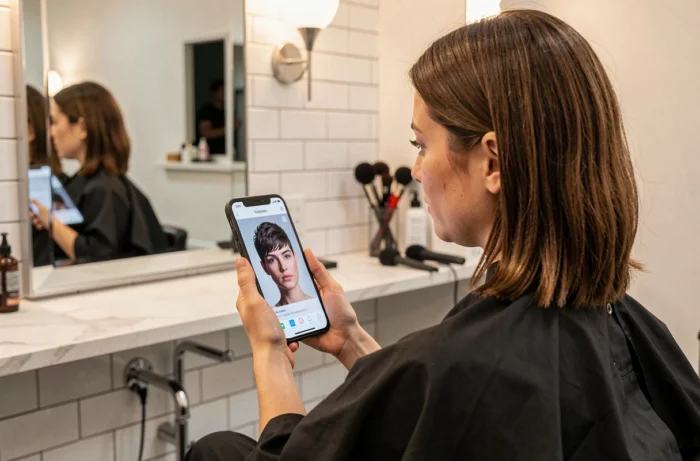
Testing a haircut before getting the scissors now involves very different tools in terms of realism, cost, and reliability. Generative AI simulators, mobile applications, virtual try-ons in salons: each solution promises a convincing before-and-after hairstyle, but their concrete limitations are rarely compared.
This article measures what these tools actually produce, the rendering discrepancies based on hair type, and the criteria that differentiate a useful test from mere curiosity.
AI Haircut Simulators: Credits, Watermarks, and Free Limitations
The majority of online hairstyle simulators today operate on a credit model. Truly free access has diminished in recent years, and understanding what each tool offers before committing helps avoid disappointments.
| Tool | Free Credits | Cost per Try | Watermark on Free Export |
|---|---|---|---|
| YouCam | 5 credits upon registration | 2 credits per hairstyle | Yes |
| MyEdit | 3 credits per day | 1 credit per try (beyond that, paid) | Variable |
| Fotor | Limited free credits | Not specified | Yes |
With YouCam, five credits allow only two and a half tries, as each hairstyle consumes two credits. MyEdit offers a bit more daily leeway, but the daily cap restricts repeated tests. Fotor applies a visible watermark on free results, which diminishes the appeal of sharing a hairstyle before-and-after on social media.
To deepen the approach and enhance the results of your virtual trials, Blog Beauté’s hair tips detail several methods that complement the simulators.
AI Rendering and Hair Type: Where Realism Falls Short
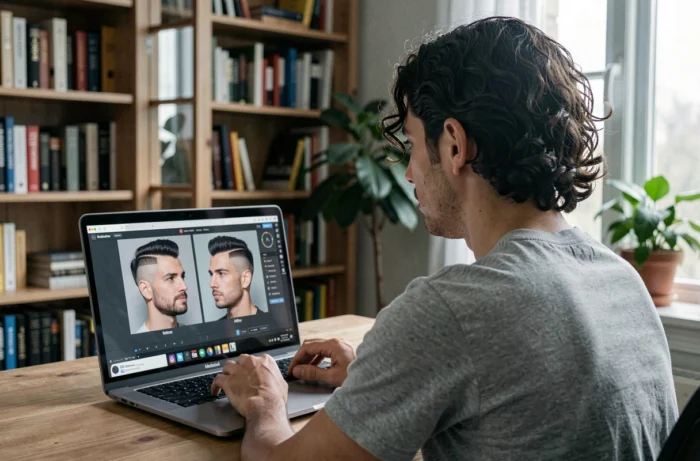
The realism of a haircut simulator directly depends on the starting hair texture. Current AI architectures show documented quality discrepancies based on hair type.
Straight and Wavy Hair: The Most Reliable Terrain
Wavy hair is the most explored category in simulators, ahead of straight or very curly styles. The rendering is generally consistent: volume, fall, and movement are credibly reproduced. For a curtain fringe or mid-length bob test, the result gives a good idea of the final silhouette.
Textured, Curly, and Very Curly Hair: Persistent Biases
AI systems struggle more with very textured black hair. Published studies identify documented failure modes on black hair, with distortions in volume and density in the generated rendering.
In practice, a simulated before-and-after hairstyle on curly or afro hair risks artificially smoothing the texture, skewing the projection. Straight to slightly wavy hair benefits from richer algorithmic training, which explains the realism gap. For very curly textures, a consultation in a salon with a hair designer remains more reliable than a simulator.
Bangs, Short Cuts, Radical Changes: What Users Really Test
Usage data from hair try-on tools reveal a point often overlooked by mainstream content: users do not test simple adjustments. The vast majority use these simulators to visualize real silhouette changes (from long to short, or to extra-short), not just to refine their current cut.
- Bangs (curtain bangs, light bangs, straight bangs) are the most common use case in “try before commit,” as it’s a change that’s hard to undo once done
- The transition from long hair to a pixie cut or a short bob generates the most repeated tries, with users comparing several variants before deciding
- Wavy styles dominate searches, far ahead of very straight hairstyles or tight curls
This behavior confirms that the simulator mainly serves to alleviate hesitation about an engaging change. Testing a slight variation in length does not carry the same stakes as anticipating the result of a radical cut.
Preparing Your Photo for an Usable Before-and-After Hairstyle
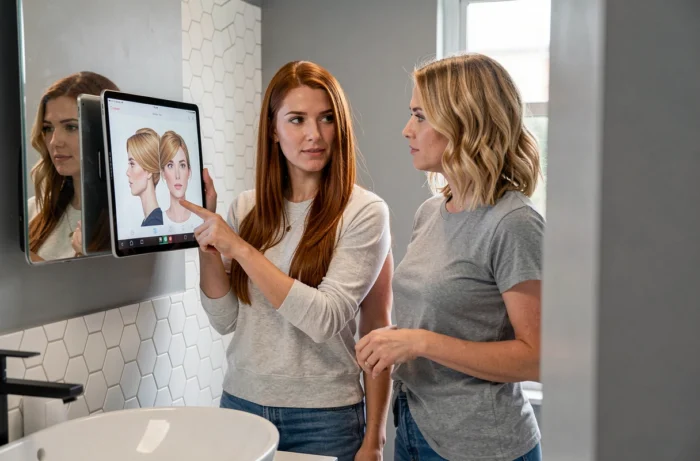
The quality of a haircut simulator’s rendering depends as much on the algorithm as on the provided photo. A poorly framed or overexposed image produces an unusable result, regardless of the tool.
- Favor natural front lighting, without backlighting or strong shadows on the face
- Clear the face contour: no strands in front of the ears, no high collars that obscure the jawline
- Use a plain, light background so the AI can properly isolate the hair from the decor
- Take the photo at eye level, without high or low angles, to keep the proportions of the face accurate
A shot that meets these criteria allows the simulator to map the virtual cut onto the real proportions of the skull and face. The result then becomes a concrete discussion tool to present to your hairdresser, rather than just a decorative filter.
From Simulator to Salon: Translating the Virtual into a Real Cut
Showing the simulation to your hairdresser remains the best way to validate the feasibility of a cut tested online. A professional evaluates the compatibility between the actual hair texture, its thickness, and the style projected by the AI. Some cuts rendered flattering in simulation require a volume or hair density that not all hair types can provide.
Generative AI simulators offer a useful first filter to eliminate options that do not suit the face shape. Their accuracy varies based on hair texture and the quality of the source photo. The virtual test does not replace the advice of a hair designer, but it significantly reduces the risk of disappointment in the salon, provided you understand the limitations of each tool.